One platform, every role, real data

Run every counter and
every table from one screen.

Stock, staff, billing, kitchen sync, and live profit — built for campus canteens and independent restaurants alike. No spreadsheets, no guessing what's actually making you money.

7roles, one login system
Livekitchen & billing sync
₹0spreadsheets needed
DPI360 profit dashboard
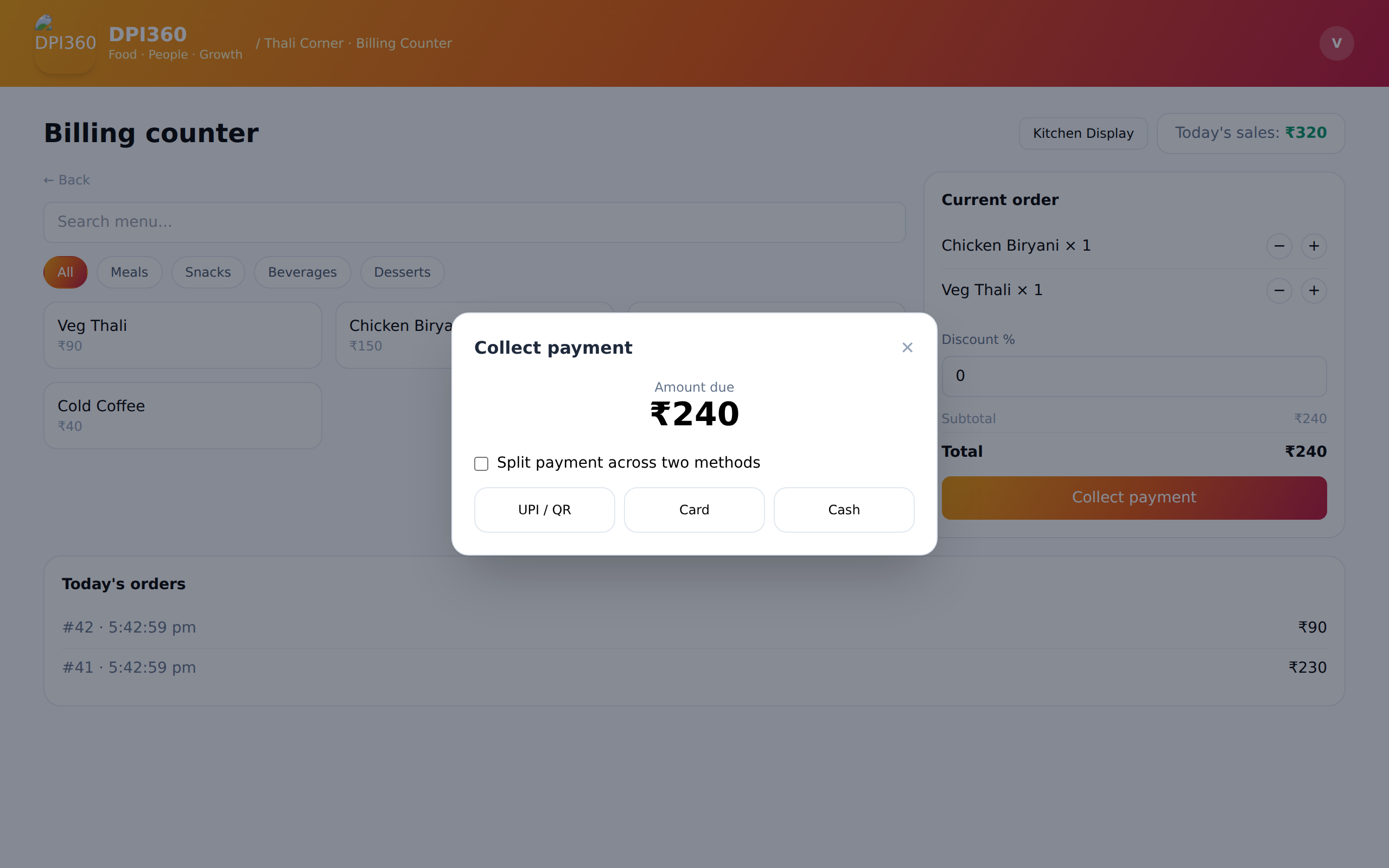
DPI360 billing counter
60 seconds

Watch it actually run

Real screens, real clicks — from login to a kitchen ticket going from "preparing" to "ready."

What's inside

Everything a food business actually touches in a day

Not a generic POS bolted onto a spreadsheet — every screen was built around how a real counter, kitchen, and back office actually work.

Dashboard

See profit the moment it happens

Sales, spend, and margin — daily, weekly, monthly, or a custom date range. Spend is calculated from what stock was actually used, not just what you bought, so the number is finally real.

Profit dashboard
Billing counter

Dine-in, parcel, or scan-to-order

A hotel table runs its own open tab until the guest is done. A campus counter goes straight from tap to payment. Either way, GST, discounts, and split payment are built in, not bolted on.

Billing counter
Kitchen display

Every order lands on a screen, not a shout

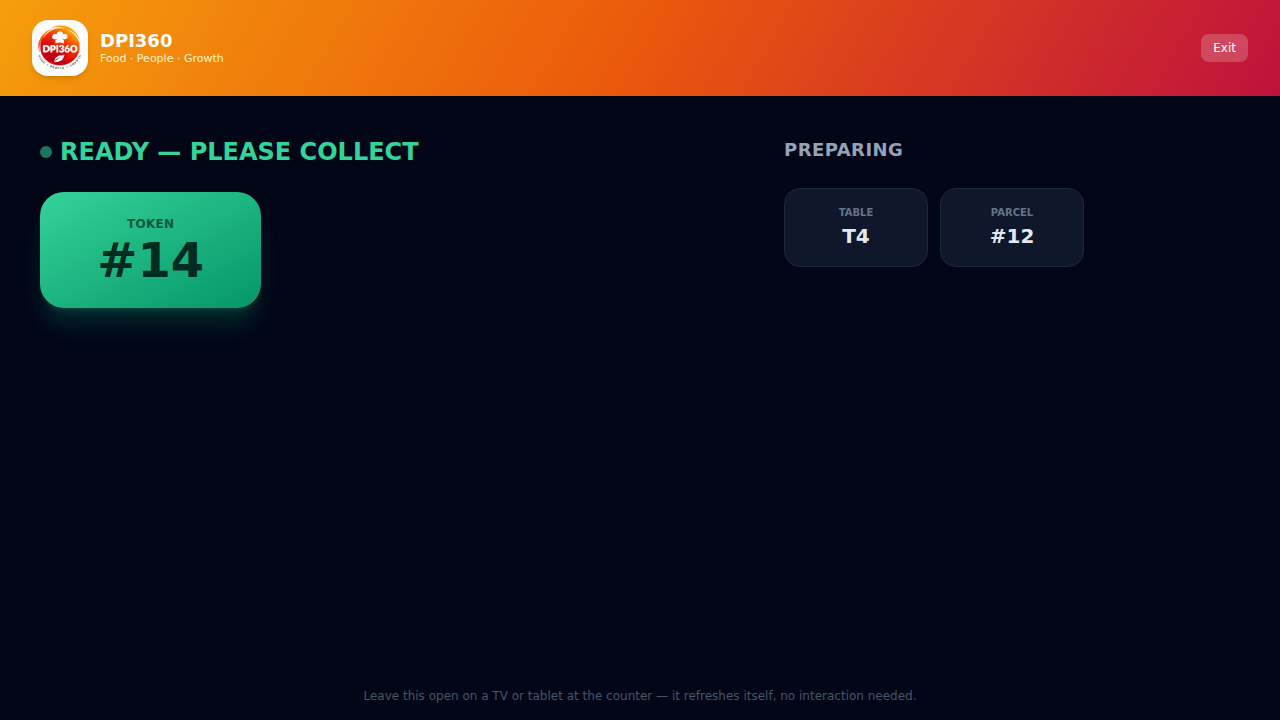
Tickets appear the second an order's placed, get marked ready with one tap, and a customer-facing status board shows exactly who's up next — no more calling out order numbers.

Kitchen display
Multi-vendor control

One campus, every food court, one view

An organization admin sees every food court and vendor at a glance — headcount, profit, and status — before drilling into any single one.

Organization admin view
Why it pays off

More customers served, less money left on the table

A faster counter and a clearer number aren't nice-to-haves — they're the difference between a queue that walks away and one that comes back tomorrow.

Shorter queues

Scan-to-order takes orders off the counter entirely during rush hour, so you serve more people in the same lunch window instead of losing them to the line.

Fewer mistakes

Orders go straight from billing to the kitchen screen — nothing scribbled, nothing lost in translation, nothing sent back because someone misheard.

Real margins

Spend is calculated from what's actually consumed, not what's sitting in the storeroom — so a "profitable" day can't secretly be a losing one.

Repeat customers

Faster service and correct orders are the two biggest reasons someone comes back tomorrow instead of trying the next stall over.

Lower staff load

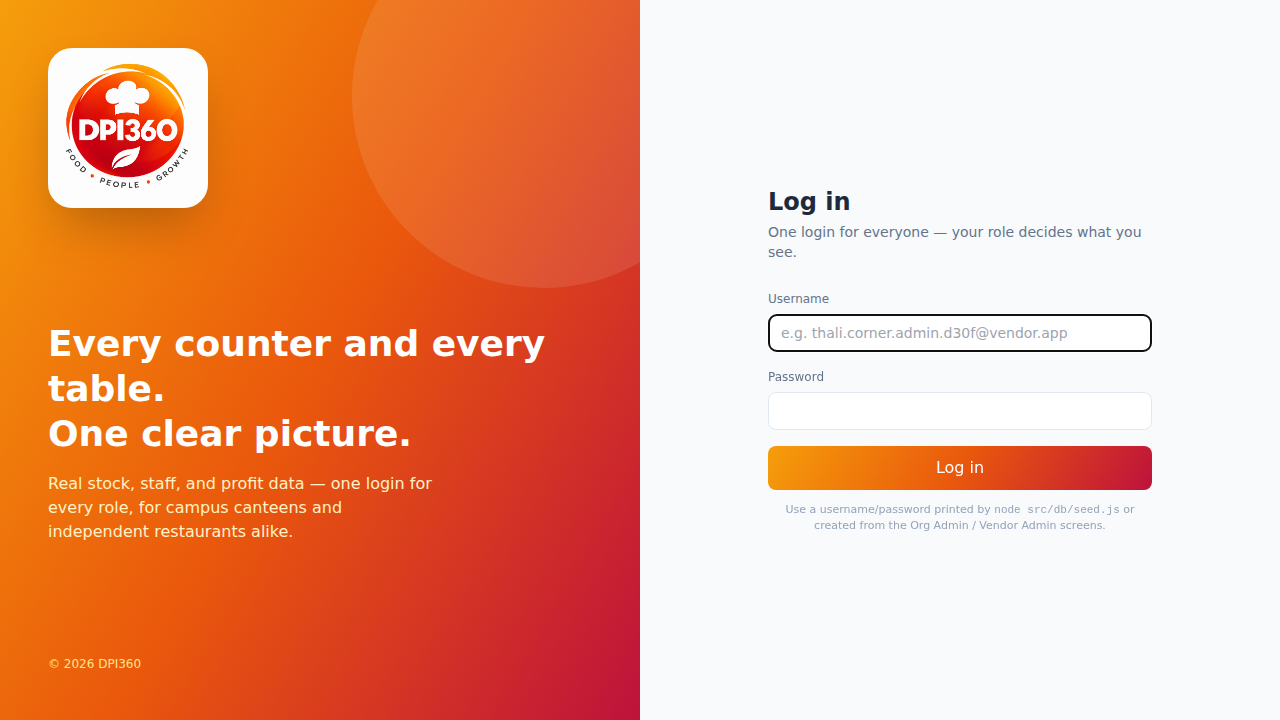
One login per role means a biller, a cook, and a stock manager each see only what they need — less training, fewer errors, faster onboarding.

Grows with you

Start with one campus counter, add a table-service restaurant later — the same platform handles both without switching tools.

Every screen

A look at the actual product

Not mockups — these are the real screens, as they run today.

Explore the live demo yourself →
Getting started

Live in an afternoon, not a quarter

1

We set up your org

Your food courts and vendors go in — campus counter or full restaurant, your call.

2

Add your menu

Items, prices, photos, and GST — five minutes per vendor, done once.

3

Hand out logins

Billers, cooks, and stock staff each get a login generated for exactly their role.

4

Start billing

First order goes through the same day — and shows up on the dashboard immediately.

See it running on your own menu

We'll walk you through it live, on your actual food items — takes about 20 minutes.

Book a demo
Book a demo

Tell us about your business

We'll reply within a day to set up a walkthrough — no sales deck, just your actual menu running on the actual product.

20-minute walkthrough on your own menu
Works for one counter or a whole campus
No commitment to book the call